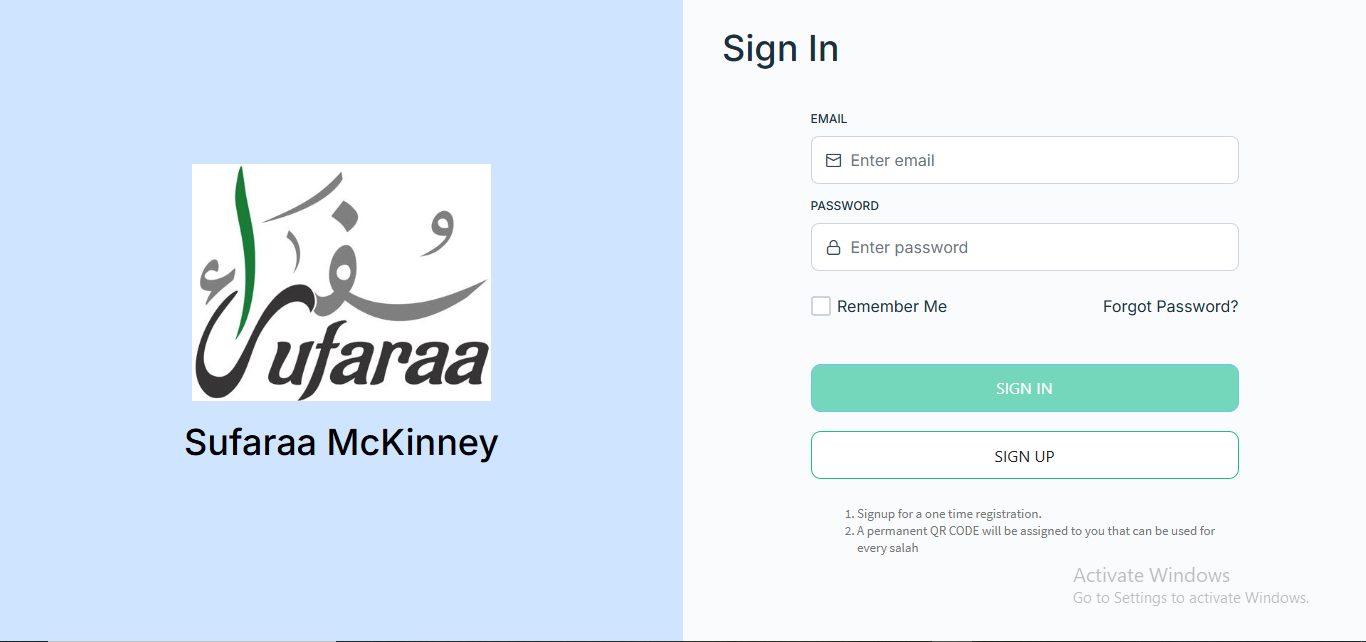
First, if you are already a signed-up member of the Madina app, then you just need to enter your email and password to log in to the portal, and you will be able to see all the programs there
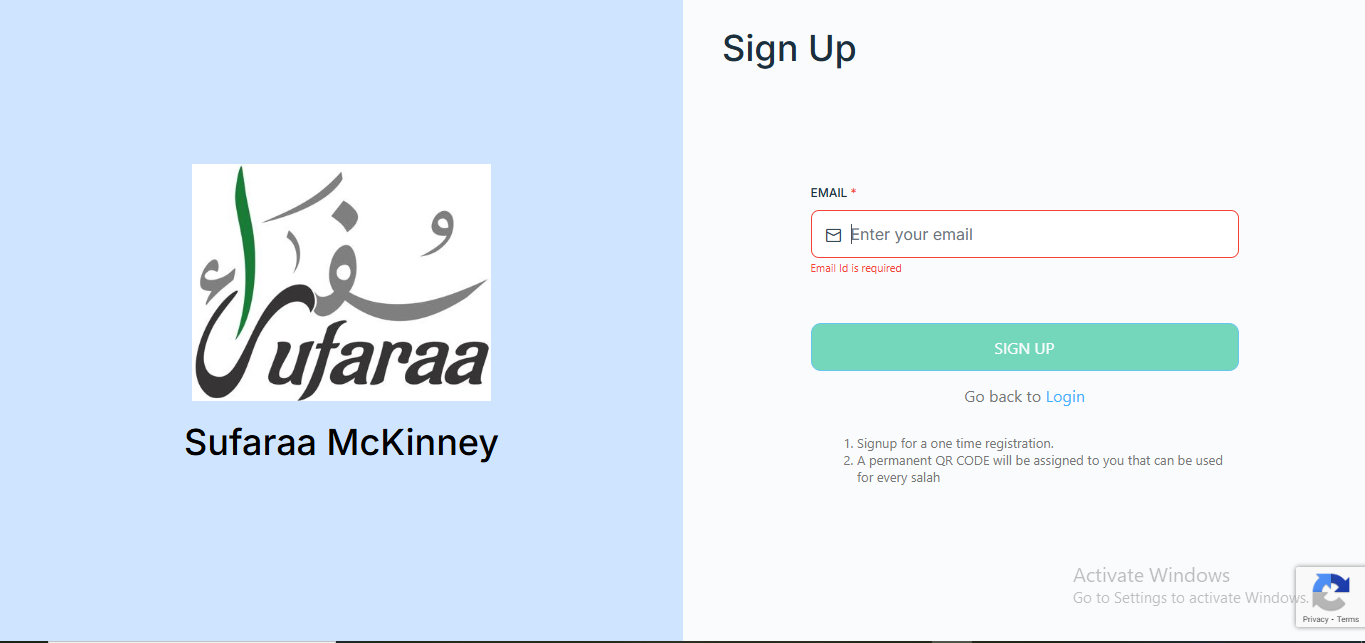
Second, if you have not signed in before, then you will need to sign up first. You should use your valid email address to sign up.
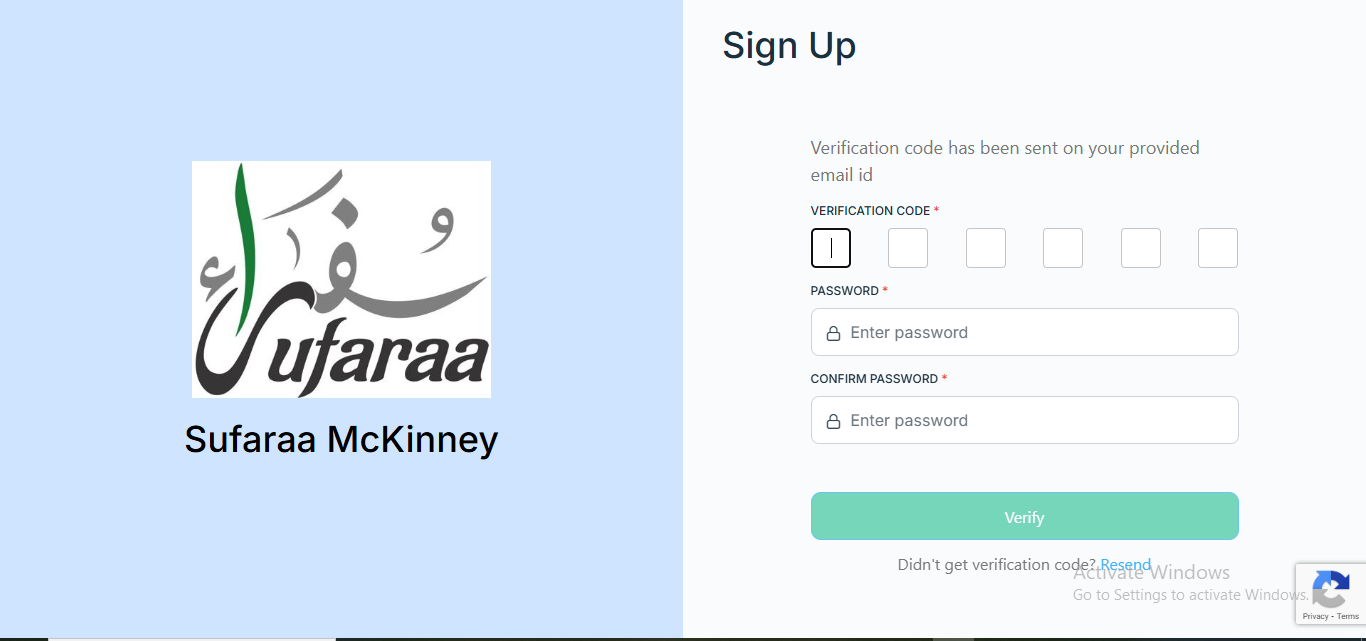
Third, when you go to sign up and enter your valid email address, the next screen will open where they will ask for an OTP. That OTP will be sent to the email address you used while signing up.
And along with that, below the OTP, you will see an option to set a password. You should also add the password you want to keep, of your own choice
In the fourth step, you will return to the home screen and enter the email and password that you used at the time of sign-up, and then you will be able to log in to the portal
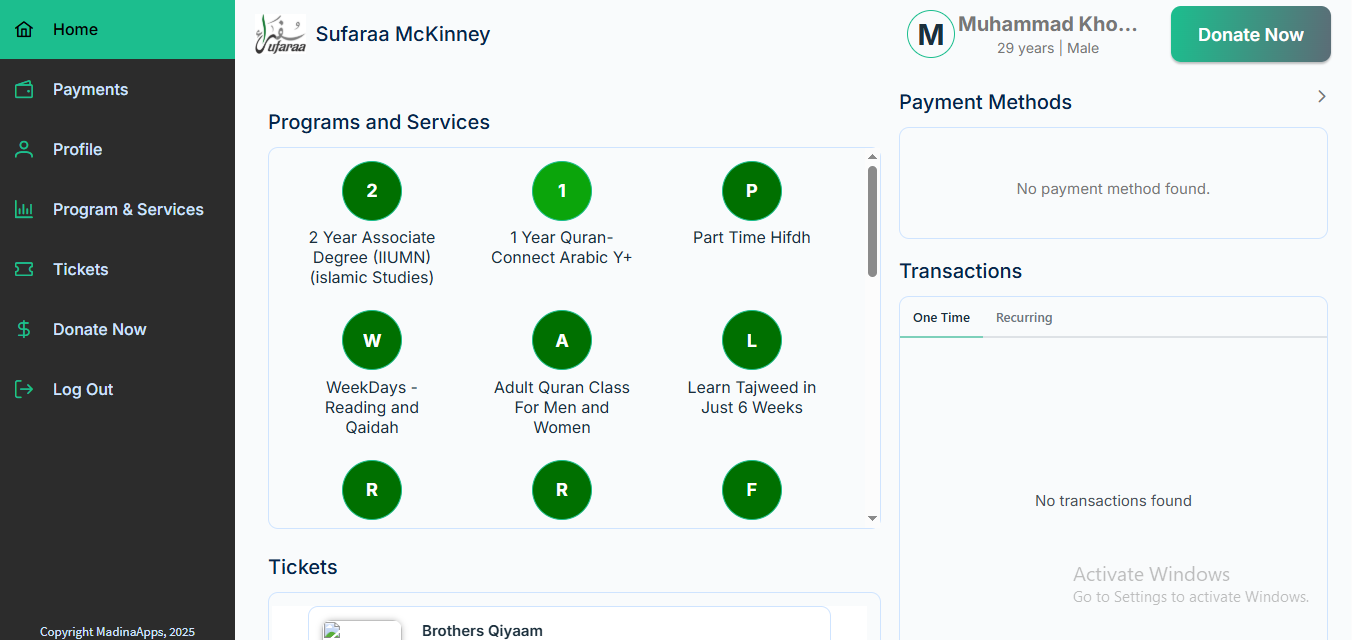
In the fifth step, you will be able to see all the programs that are added to our portal, and you can register yourself for any program you want, according to your choice